1. The area to tile
Measure in metres:
- Floor: length × width; split an L-shaped room into rectangles and add them up.
- Wall: width × height to tile, minus doors and windows.
- Do not deduct small obstacles (a pipe, a toilet base): the cuts around them consume tiles anyway.
Using the tool step by step
The numbered marks on the screenshots follow the order in which you use the tool. The fields are filled with an example.
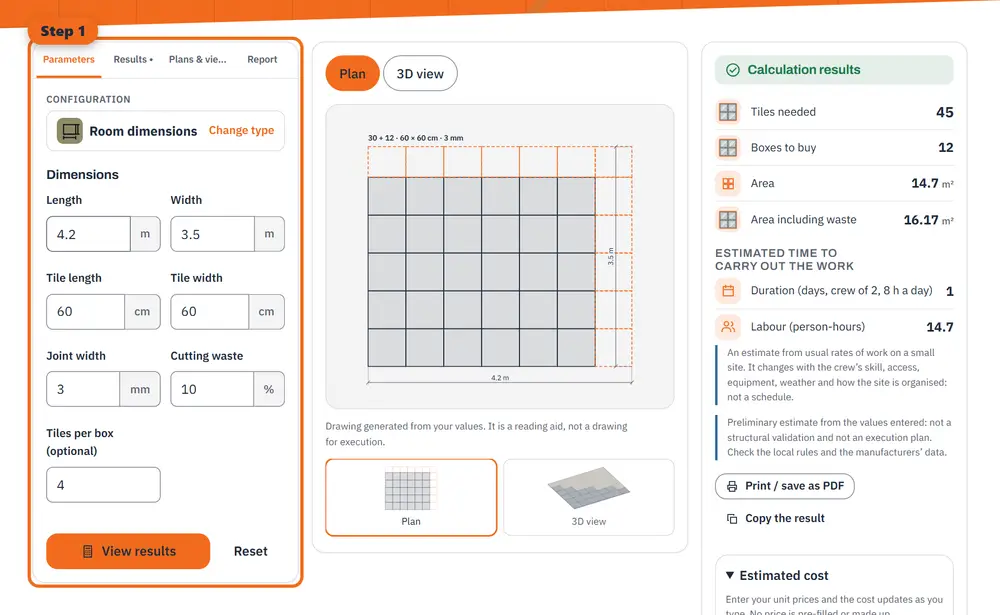
Step 1 Enter your values: dimensions, materials and options. 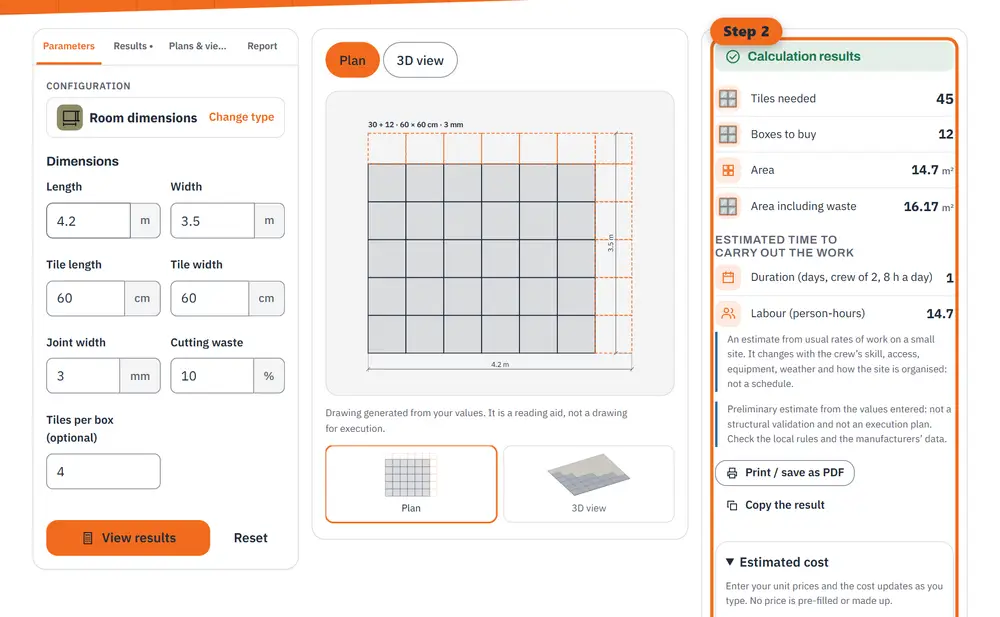
Step 2 Read the results: quantities, costs and estimated durations, updated as you type. 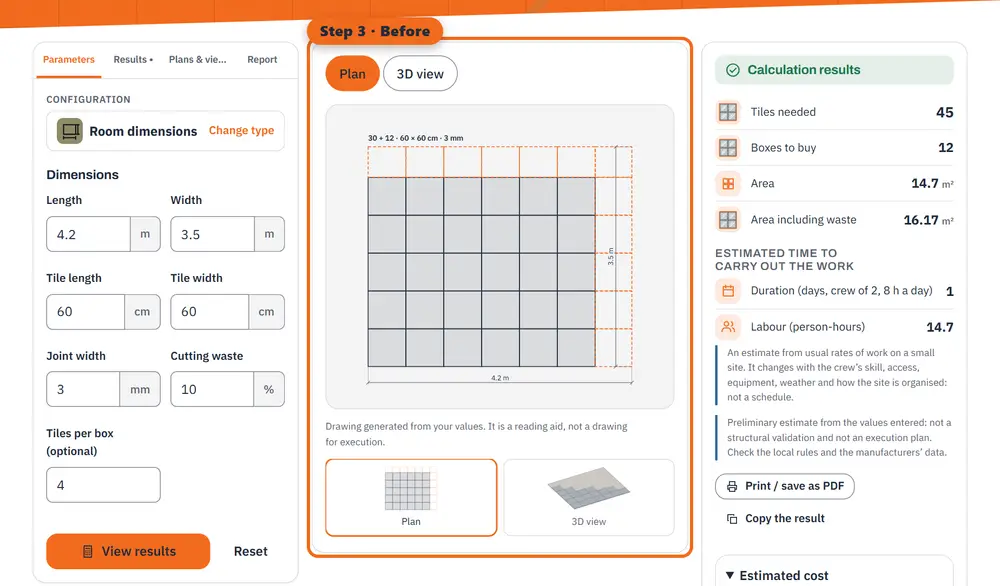
Step 3 Before: the plan of the work to be built, with its dimensions. 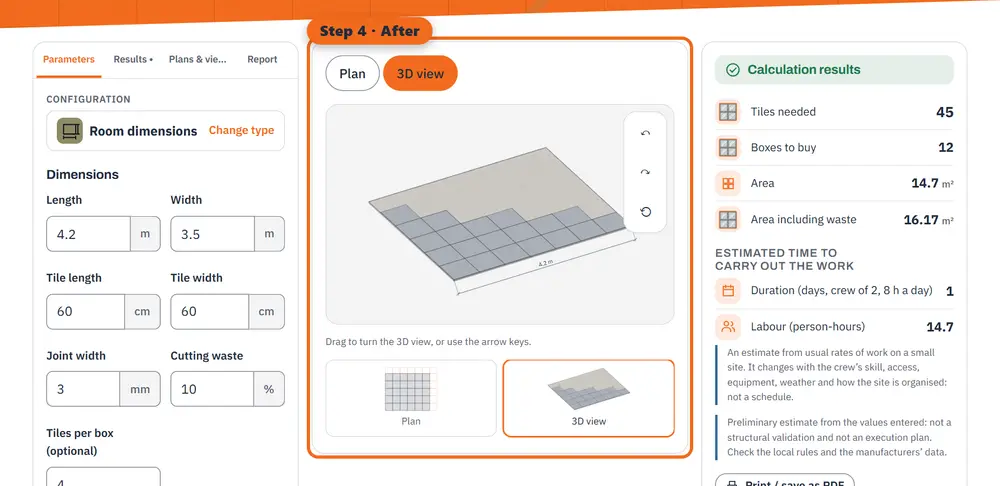
Step 4 After: the 3D rendering of the finished work (an illustration made by the tool, not a photo).
2. Tiles per square metre and waste
One tile covers (length + joint) × (width + joint). A 60 × 60 cm tile with a 3 mm joint covers 0.603 × 0.603 ≈ 0.364 m².
Add a waste margin for cuts and breakage: about 5 to 10 % for a straight layout in a simple room, 10 to 15 % for a diagonal or herringbone layout, many cuts or very large formats.
Worked example: a 4.2 × 3.5 m room
60 × 60 cm tiles, 3 mm joints, 10 % waste:
- Area: 4.2 × 3.5 = 14.7 m²; with 10 %, 16.17 m².
- Tiles: 16.17 ÷ 0.3636 = 44.5, so 45 tiles.
- In boxes of 4 tiles (1.44 m²): 45 ÷ 4 = 11.25, so 12 boxes.
Before ordering
Check that all boxes carry the same batch (shade) number, and keep one or two spare tiles for future repairs. Adhesive and grout quantities depend on the product and the trowel: read them on the bags.
An uneven floor first needs levelling: the screed calculator gives the volume and the cement and sand. For the walls you are painting, use the paint calculator.
General information, checked at the date shown. It does not replace advice from a professional for your situation.